Creators
Create with Sockscreen
Short videos of a simple ideaSockscreen slides over your laptop screen so the keys never touch the glass. If you make videos about laptops, desks or life on the move, we’d like to hear from you.
Made for short video
Three moves, each one a shot
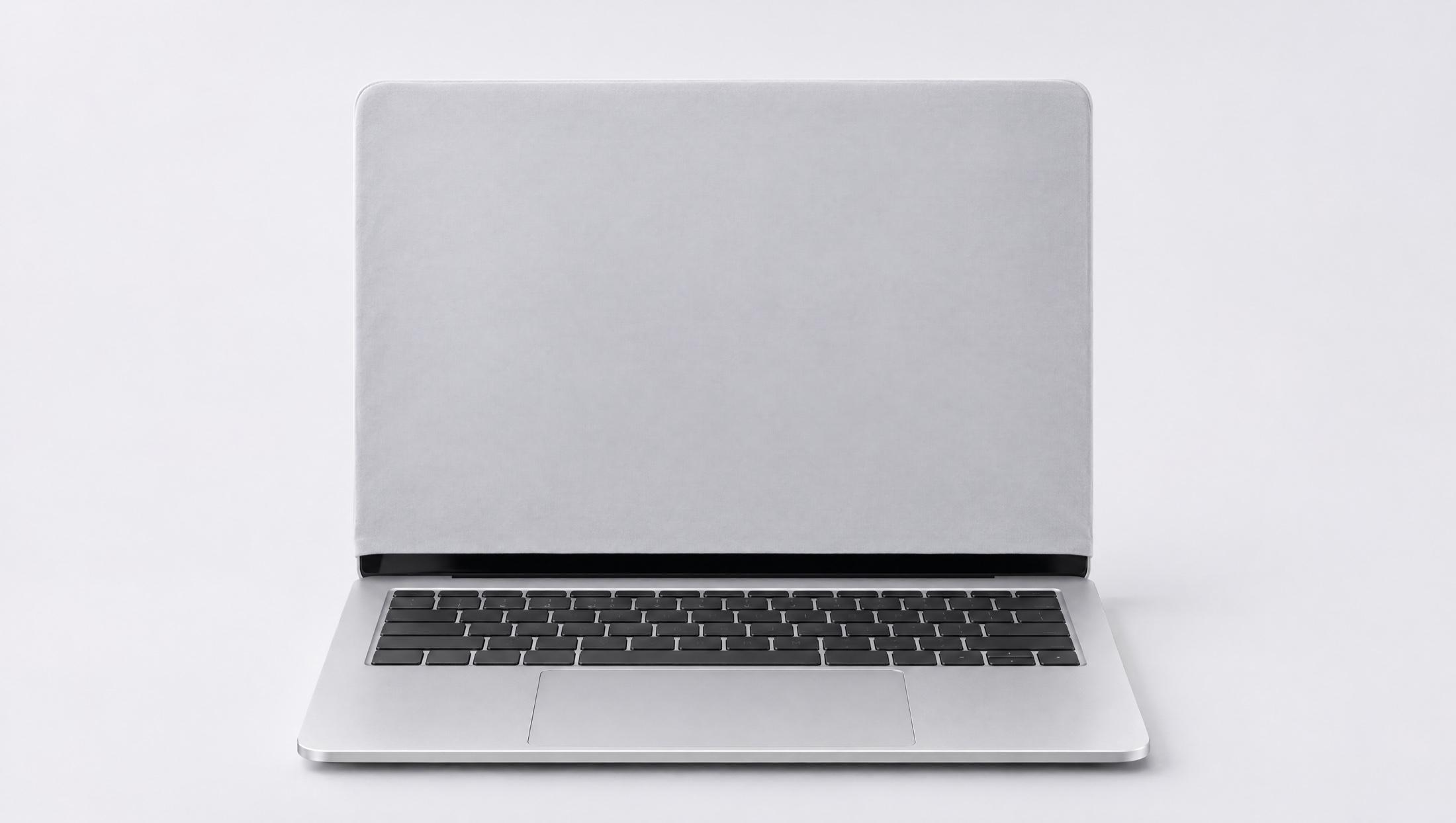
Slide it onPull it down over the screen. It’s cut to your lid, so it stays where you put it.
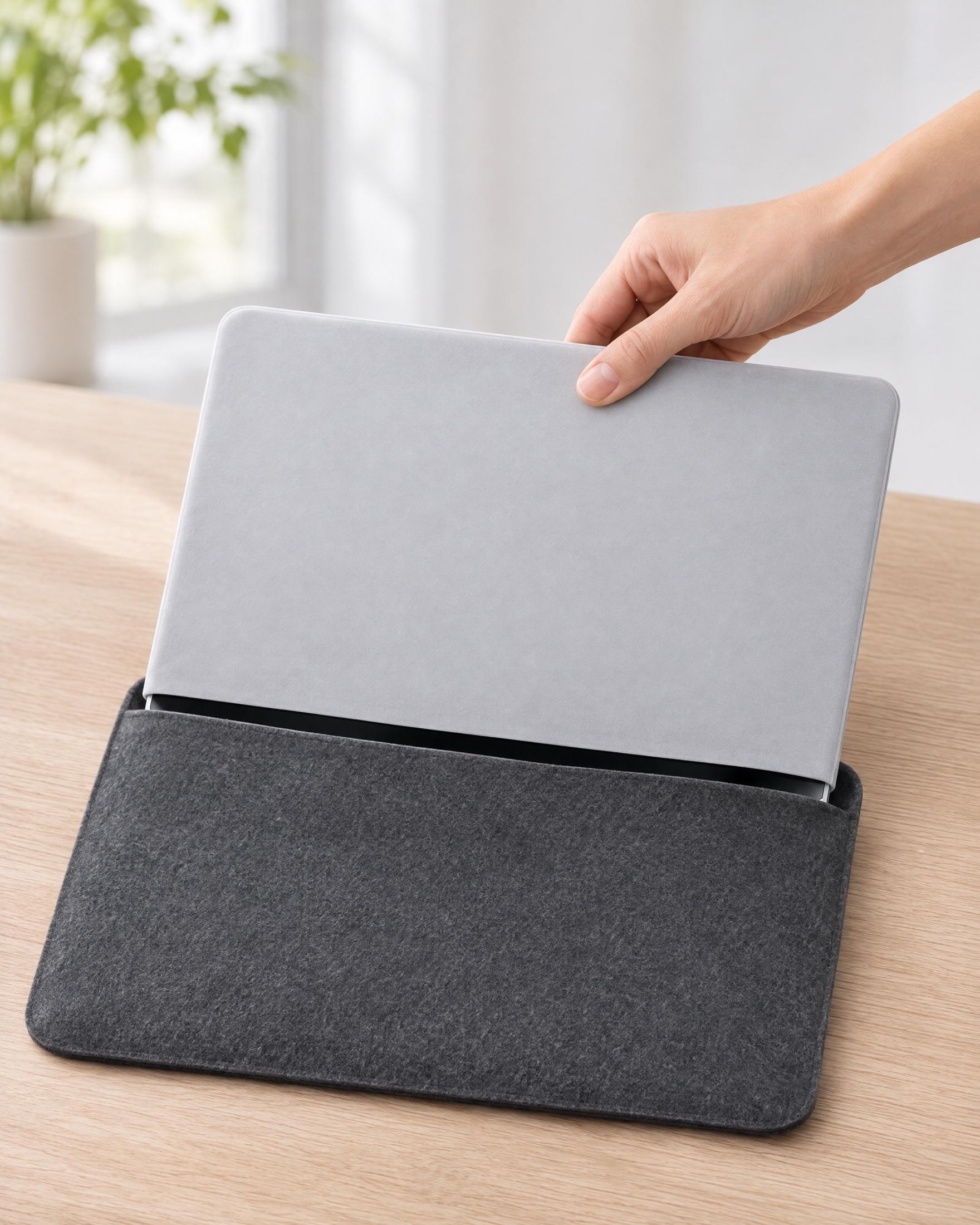
Close the lidThe microfibre sits between the keys and the glass, so your keyboard never touches the display.
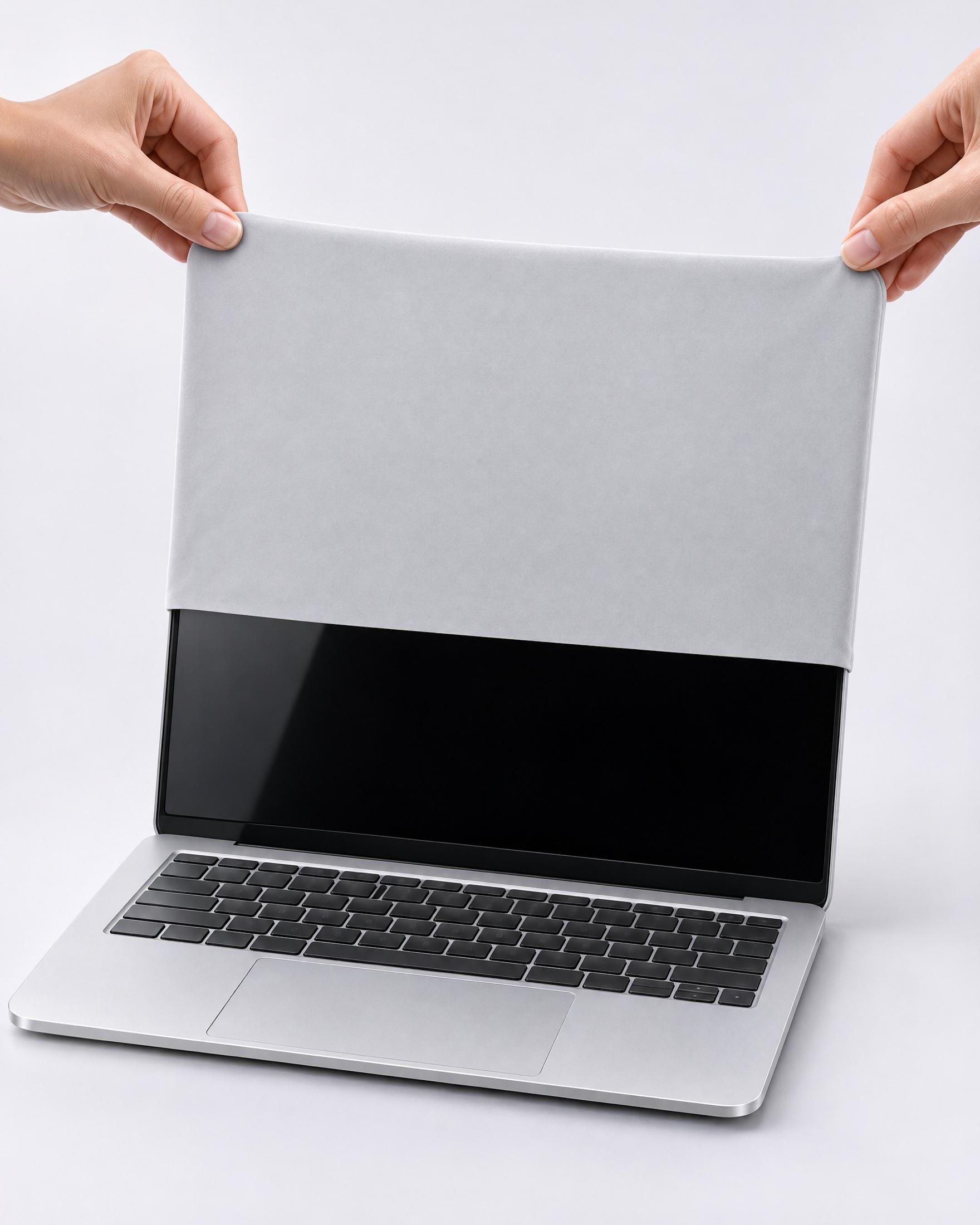
Slide it offIt wipes the screen on the way, so you open up to a clean display.
¹ Concept renders. The final product may look different.
How it works
The programme opens closer to launch
Step 1
Email us
Send your handles, where you’re based and the kind of videos you make.
Step 2
Hear back
We’ll reply, and share the brief and terms when the programme opens.
Step 3
Make short videos
Once Sockscreen is ready, show it on your own laptop, as you’d really use it.
Who we’d like to hear from
- Desk setups, laptops and tech
- Travel, commuting and working on the move
- Study, work and productivity
- Anyone who carries a laptop in a bag every day
Good to know
- Is Sockscreen on sale yet?
- Not yet. It’s pre-launch, and the images on this site are concept renders.
- What are the terms?
- We’ll share commission, samples and how videos can be used when the programme opens. Email us and we’ll keep you posted.
- Which laptops does it fit?
- Most current laptops, including every MacBook, across five sizes from S to XXL.
- Which colours will there be?
- Silver and Black.
Ready to create
Tell us about your channel. Questions first? Email chris@sockscreen.com.